How to follow up a catering invoice without losing the context
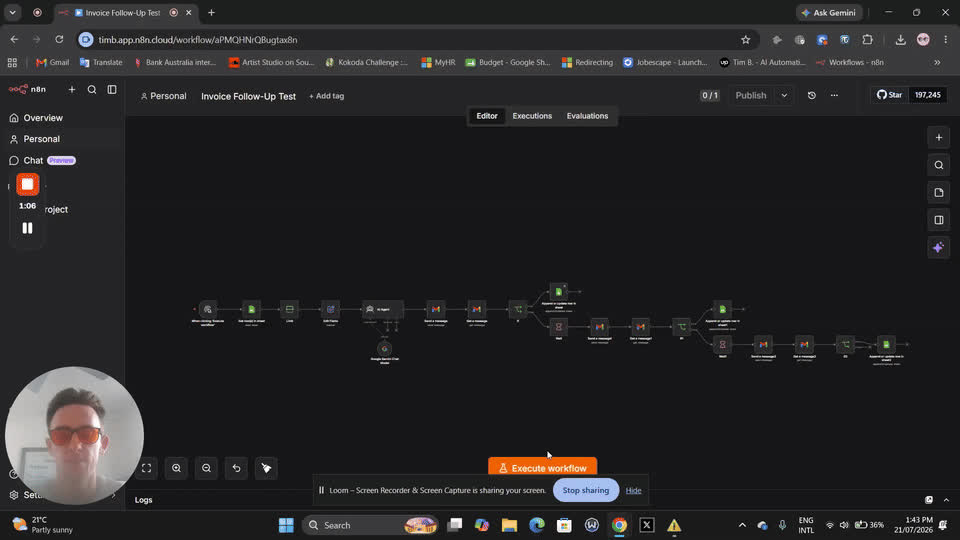
Invoice follow-up works best when the reminder is accurate and easy to act on. Start with the record, not a generic payment demand.
Step 1: Check the invoice
Confirm the invoice number, event, agreed due date and outstanding balance. Check for payments or credits before contacting the client.
Step 2: Find the right contact
The event organiser may not handle payments. Use the agreed billing contact and verify the address against your records.
Step 3: Write a factual reminder
Keep the message short: identify the invoice, its due date and the balance, then include your usual payment instructions. Ask the client to let you know if payment has already been made.
Step 4: Record the response
Note when you contacted the client and any agreed next step. If they dispute the invoice, pause routine reminders and resolve the query directly.
Step 5: Review before automating
Connect reminders to accurate payment records and your own terms. Do not add late fees or collection promises that are not in your agreement.
Where CaterFlow AI fits
The invoice follow-up service is part of the Full Package. Review its suitability for your accounting workflow on the Services page before choosing a plan.