Clean customer data for catering businesses: a working guide

Clean customer data for catering businesses: a working guide
Fixing messy customer data comes down to three moves: set data standards and owners, dedupe and validate every record, then automate the recurring cleanup so it never gets messy again. You don’t need a data team to start. Today, before you read another word, do this:
- Run a quick dedupe pass on your 20 most-booked clients.
- Check their phone numbers and emails actually work.
- Pick one format rule (say, “phone numbers always include the country code”) and apply it going forward.
Do these three things and you’ll notice fewer double bookings within a week, and invoices that go to the right inbox the first time.
Key Takeaways
Clean customer data in catering comes down to standardising formats, deduplicating with a source-of-truth rule, and automating the recurring maintenance so the mess doesn’t return.
| Point | Details |
|---|---|
| Standardise before deduping | Lock in name, phone, date and address formats first so true duplicates are easier to spot. |
| Preserve event history | Merge contact identities but keep dietary notes and event records linked, not overwritten. |
| Migrate in slices | Move contacts first, stabilise them, then bring in bookings and invoices. |
| Automate recurring cleanup | Schedule dedupe jobs and validation rules so clean data doesn’t decay again. |
| Consider Caterflowai for upkeep | Caterflowai automates dedupe suggestions, formatting rules and CRM/accounting sync for catering teams. |
Where to go for platform specifics
Check official docs before editing live contacts: Outlook, Google Contacts, and Apple.
Table of Contents
- Why clean customer data catering operations depend on
- Core cleaning routine: standardise, dedupe, validate
- Choosing between spreadsheets, self-serve tools and a cleanup service
- Moving off spreadsheets without losing your event history
- Keeping data clean after the initial cleanup
- Handling incomplete or missing data
- Addressing data privacy and compliance considerations
- Spotting and fixing stale customer data
- Getting cleaned data working inside your CRM and marketing tools
- Sources
Why clean customer data catering operations depend on
Duplicate contacts aren’t a cosmetic problem in catering. They’re an operational one. When “Sarah Chen” and “S. Chen” exist as separate records, one holds her dietary notes from last year’s gala and the other holds her billing address. Your event lead pulls the wrong one on a Friday afternoon, and now there’s a nut allergy that never made it to the kitchen brief.
Data cleaning is the process of identifying and correcting or removing inaccurate records, and for customer-facing operations it’s the difference between a smooth handover and a scramble, as Zendesk’s guidance on customer data quality points out.
The knock-on effects show up in places you wouldn’t expect:
- Duplicate records split event history, so nobody sees the full pattern of a repeat client’s preferences.
- Inconsistent phone formats mean automated reminders and payment follow-ups silently fail.
- Stale addresses cause invoices to bounce, delaying payment by weeks.
Workforce mobility is already high across hospitality and food services, which means new staff are onboarding onto your systems constantly. According to the Australian Bureau of Statistics job mobility data, that turnover raises the stakes for having customer records that a new hire can actually trust without needing to ask three people what “client 2 (old)” means.
Core cleaning routine: standardise, dedupe, validate
This is the actual mechanics of a cleanup, done in the right order so you don’t undo your own work halfway through.
- Standardise formats first. Lock in one convention for name casing (title case, no all-caps), phone numbers (always include the country code, e.g. +61 for Australia), dates (DD/MM/YYYY), and addresses (consistent abbreviations for “Street” vs “St”). Doing this before deduplication matters because inconsistent formatting is exactly what makes two identical people look like different records.
- Run deduplication in two passes. Start with exact matches (identical email or phone), which are safe to merge automatically. Then run a fuzzy match pass, catching near-misses like “Jon Smith” and “John Smith” at the same address. Watch for subset/superset cases, where one record has partial details and another has the full picture, and merge toward the fuller record.
- Validate contact details. Check email addresses for valid formatting, suppress anything that’s bounced repeatedly, and normalise phone numbers to a single format. A catering-specific dedupe workflow, described by Dataclean, matches records on client name, contact details, and event dates together, which catches duplicates that a name-only match would miss.
- Apply decision rules before you merge anything. Choose one source of truth (usually your most recently updated record), preserve full event history rather than overwriting it, and flag anything below a reasonable confidence threshold for a human to check rather than an automatic merge.
Pro Tip: Keep a simple audit column, “merged from,” on every consolidated record. When a client calls confused about an old invoice, you’ll know exactly which two records you combined and why.
The rule that trips people up most often is treating a merge as a single-entity operation. In catering, a client’s contact identity and their event history are related but separate things. Merge the person, but keep each event and its dietary notes as its own linked record. That way, a wedding from 2023 and a corporate lunch from 2025 don’t get scrambled into one confusing blob just because you merged two duplicate contact cards.
Choosing between spreadsheets, self-serve tools and a cleanup service
Spreadsheets aren’t inherently wrong for a three-person catering operation with fifty clients. The trouble starts as volume grows and multiple people start editing the same sheet without a shared naming convention. That’s when duplicates multiply invisibly and nobody notices until an invoice goes to the wrong address.
Look for these features when weighing up a proper tool:
- Fuzzy matching that catches near-identical names and addresses, not just exact duplicates.
- Rule-based normalisation so formats apply automatically on entry, not after the fact.
- CSV import and export, so you’re never locked into one system.
- Integration with your accounting platform, whether that’s Xero, QuickBooks, or MYOB.
Built-in tools on the platforms you already use handle basic cases well. Google Contacts’ Merge & fix flow surfaces likely duplicates for review and lets you undo a merge if it’s wrong. Outlook applies similar duplicate detection and can hide duplicates automatically. On iPhone, Apple’s Contacts app can link cards, but a linked card isn’t necessarily merged across every source account, so check what actually happened before you trust it.
If you’re seeing lots of low-confidence clusters, conflicting consent records, or event histories tangled across duplicate contacts, that’s your signal to bring in a dedicated cleanup service rather than fixing it by hand.
Moving off spreadsheets without losing your event history
Migrating off spreadsheets is where most of the damage happens if you rush it. Handle it as a sequence, not a weekend project.
- Export and back up everything first. Take a full snapshot of your current spreadsheet before touching a single row.
- Migrate contacts as the first slice. Standardise formats and run your dedupe pass on this slice alone before importing anything else, a phased approach that migration guidance from Kenomont recommends specifically to limit risk.
- Preserve event and dietary history by linking, not overwriting. Keep each event as its own record tied to the consolidated contact, so a merged duplicate doesn’t erase a client’s allergen notes from three events ago.
- Pilot with one or two power users before rolling out to the whole team, and set clear acceptance criteria (no missing dietary fields, no broken phone formats) before calling it done.
| Point | Details |
|---|---|
| Migrate in slices | Move contacts first, stabilise them, then bring in bookings and invoices. |
| Preserve linked history | Keep event records tied to consolidated contacts instead of merging them away. |
| Pilot before rollout | Test with power users first to catch issues before the whole team relies on it. |
Keeping data clean after the initial cleanup
A one-off cleanup buys you a few good months, not permanent order. Governance is what keeps it that way.
- Set validation rules at the point of entry, like requiring a formatted phone number before a booking can be saved.
- Name one person as the data owner responsible for reviewing flagged duplicates each month.
- Schedule a recurring dedupe job, weekly or fortnightly depending on your booking volume.
- Define retention rules for marketing consent and bounced contacts, so suppressed addresses stay suppressed.
- Use integrations between your booking, invoicing and CRM systems so a client’s details only need entering once. Manual re-entry across three separate tools is one of the most reliable ways new duplicates get created.
NCBI’s guidance on data curation makes a similar point in a different context: documented process beats ad hoc fixes every time. The same logic applies whether you’re managing a research dataset or a client list for a catering business.
Quick weekly checklist to run this week
- Sweep your top 100 client records for duplicates; merge the high-confidence matches automatically and flag the rest for review.
- Validate and fix any bounced emails or malformed phone numbers you spot.
- Confirm your data owner and entry rules are still being followed.
- Export a list of records missing dietary notes or event history and follow up manually.
Handling incomplete or missing data
Not every record will ever be complete, and that’s fine as long as you handle the gaps deliberately rather than guessing. A missing dietary field is genuinely dangerous in catering; a missing middle name is not. Sort your gaps by risk before deciding how hard to chase them.
For anything tied to food safety or allergens, treat a blank field as a hard stop, not an assumption. Flag those records for a follow-up call or email before the next event, rather than defaulting to “probably no allergies.” For lower-stakes gaps, like a missing job title or a secondary contact number, a simple “unknown” placeholder is fine, provided your team recognises the difference between “unknown” and “not applicable.”
Build a standard process for enrichment rather than fixing gaps one at a time as you notice them. When a client calls to confirm a booking, that’s your moment to ask the missing question and update the record on the spot, rather than adding it to a to-do list that never gets done. Some catering teams build this into their event confirmation call as a standard script item.
Where a field has been blank for over a year and the client hasn’t booked again in that time, it’s often more useful to mark the record as dormant than to keep chasing it. Trying to force completeness on records you’ll likely never touch again wastes time you could spend validating the client list you actually use.
Addressing data privacy and compliance considerations
Customer data cleanup and privacy compliance aren’t separate projects, they’re the same project looked at from two angles. When you consolidate duplicate records, you’re also consolidating consent history, and that needs care.
If a client opted out of marketing emails under one duplicate record but not the other, merging them incorrectly can accidentally resubscribe someone who explicitly said no. Always carry forward the most restrictive consent setting when in doubt, never the most permissive.
Under Australia’s Privacy Act, businesses collecting personal information have obligations around how long they hold it and what they use it for, particularly for anything tied to health information like dietary or allergen notes, which sits in a more sensitive category than a phone number. If your catering business handles significant volumes of client data, it’s worth having your data retention policy reviewed against your specific obligations rather than assuming a generic template covers you.
Practically, this means:
- Document why you’re keeping dietary and allergen data, not just that you’re keeping it.
- Set a retention period for dormant client records rather than holding everything indefinitely.
- Make sure suppressed or unsubscribed contacts stay suppressed through every merge, not just the first one.
Compliance here isn’t a box to tick once. It’s a rule you apply every single time you touch a record.
Spotting and fixing stale customer data
Stale data hides well. A phone number that was correct eighteen months ago looks exactly like one that’s correct today, right up until you try to call it. The fix isn’t a single sweep, it’s a habit of watching for specific signals.
The clearest signal is bounce and failure data. If an email has bounced twice or a payment reminder has failed to send via SMS, that record needs attention now, not at your next quarterly review. A playbook on payment failure recovery from Riddlio walks through exactly this kind of follow-up, and the same logic applies to any contact detail that starts silently failing.
The second signal is inactivity paired with age. A client who booked once three years ago and never again is a different case to a repeat client who’s gone quiet for six months, the second is far more likely to have a genuine reason worth checking on, like a life event or a change of role. Tag records by recency of last booking so your team can tell these apart at a glance rather than treating every quiet client the same.
Set a simple cadence: every quarter, pull a list of contacts with no activity in the past twelve months and no successful email or SMS delivery in the past three, and route that list for a manual check rather than letting it sit. Small catering teams that do this consistently tend to catch stale entries before they cause a missed booking, not after.
Getting cleaned data working inside your CRM and marketing tools
A clean spreadsheet is only useful if the systems that actually run your business, your CRM, your invoicing platform, your marketing tool, can read it correctly. This is where a lot of cleanup effort gets wasted: teams do the hard work of deduplicating and standardising, then import the result into a system that doesn’t respect the same field rules and the mess reappears within weeks.
Before importing anything, check that your target system’s required fields match what you’ve standardised. If your CRM expects phone numbers in a specific format and your cleaned spreadsheet uses a different one, you’ll get a wave of import errors or, worse, silent misformatting that nobody notices until a reminder fails to send.
Set up the integration so it runs both ways where possible. If your accounting platform and your CRM sync automatically, a client detail updated in one place updates everywhere, which is the single best defence against duplicate drift creeping back in. This is also where dashboards earn their keep: a restaurant CRM and analytics dashboard like RESTOBOT’s can surface which client records are incomplete or inconsistent at a glance, rather than you discovering the gap during a live booking call.
Test the integration on a small batch first, ten or twenty records, before pushing your entire client list through. Confirm dietary notes, event history and contact details all land correctly before you trust the system with the rest.

What small caterers notice once the data is clean
Teams that standardise their client records report the same pattern: quoting gets faster because nobody’s hunting for the right version of a contact, invoicing disputes drop because addresses and details are accurate the first time, and handing an event to a new staff member takes minutes instead of a phone call to whoever “remembers” the client.
— Tim
Letting automation handle the recurring cleanup
Once your data is standardised, the real risk is letting it slip again through manual re-entry and forgotten follow-ups. That’s the exact gap Caterflowai closes for catering businesses running on teams of three to fifteen.
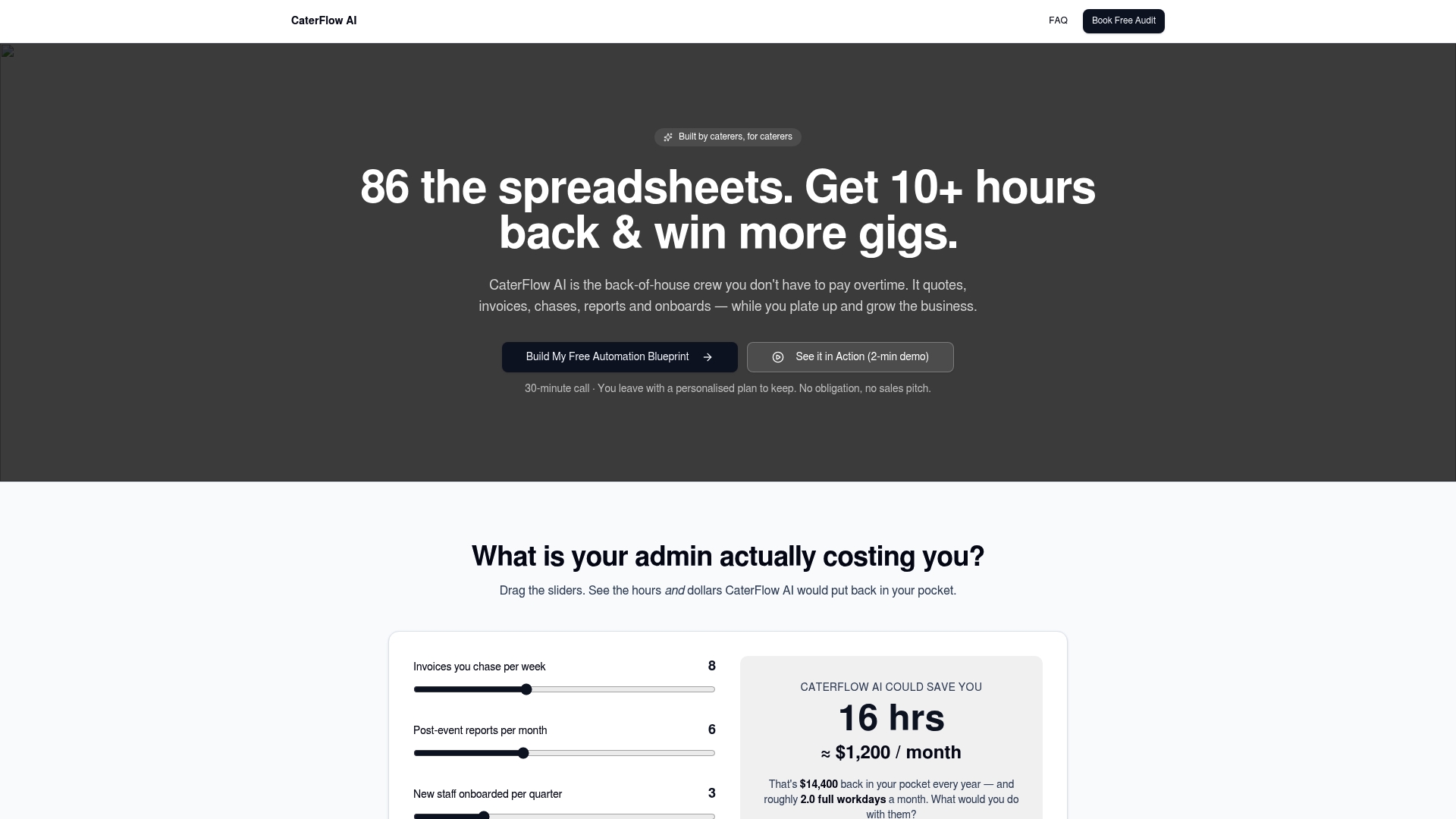
Caterflowai replaces the manual grind of quoting, invoicing, and chasing overdue payments with automated workflows built specifically for catering, integrating directly with Xero, QuickBooks and MYOB so client details, invoices and event records stay in sync without anyone re-typing the same phone number three times across three systems. It flags likely duplicate clients, applies your formatting rules automatically, and keeps event history attached to the right contact through every merge. For caterers still patching together spreadsheets, that means fewer invoice disputes, faster quote turnaround, and a cleaner handover every time a new team member takes over an event.
If your client list has become a liability rather than an asset, book a free audit with Caterflowai and see exactly where your data is costing you time.