Reduce no shows with layered booking and roster tactics

Reduce no shows with layered booking and roster tactics
A deposit requirement, a visible cancellation policy, automated confirmations, timed reminders, and early roster visibility work together to reduce no-shows across both clients and staff. No single tactic does the job alone. Most no-shows come from poor communication or low visibility, not deliberate flakiness, so layering these protections closes the gaps that let people forget or quietly bail.
You can act on this in the next 72 hours:
- Add a 25% deposit requirement to every new booking quote, with the cancellation tiers spelled out next to it.
- Turn on 24 to 48 hour automated reminders for staff shifts, and a separate SMS confirmation sequence for clients with events in the next fortnight.
- Send a short confirmation message to anyone booked in the next two weeks, asking for a one word reply.
The templates and tiered policy examples further down are ready to copy. Further on, we show how CaterFlow AI runs this whole sequence without you touching a spreadsheet.
Key Takeaways
Reducing no-shows in catering works best when deposits, visible cancellation tiers, automated reminders and early roster publishing all run together rather than as isolated fixes.
| Point | Details |
|---|---|
| Require a tiered deposit | Ask for 20 to 35% based on lead time to qualify serious clients and lock in commitment. |
| Repeat the cancellation policy | Show it at proposal, checkbox, invoice and pre-event reminder so it holds up if challenged. |
| Automate multi-touch reminders | Send confirmations at 30 days, 7 days and 48 hours across email and SMS. |
| Publish rosters 7 to 14 days out | Combine early publishing with 48 and 2 hour staff reminders and a swap board. |
| Automate the whole sequence | CaterFlow AI runs confirmations, payment chasing and roster reminders without manual follow-up. |
Table of Contents
- Booking-side tactics to cut client cancellations and ghost bookings
- How do you stop staff no-shows and last-minute callouts?
- Writing a fair cancellation and no-show policy
- Which software features actually reduce no-shows?
- Pre-event checklist and copy-paste message templates
- Sources
Booking-side tactics to cut client cancellations and ghost bookings
Deposits do more than protect revenue. They filter out clients who were never serious, which is exactly why a deposit works as a qualification tool rather than a sales blocker. Someone willing to pay 20 to 30% upfront has already committed mentally, not just financially.
Structure your deposit around booking lead time. A workable tiered example: 30 days out, request a 20% deposit; inside 15 days, bump that to 35% or require the full balance if the event is smaller; inside 7 days, take full payment before you confirm kitchen and staff allocation. Adjust the percentages to your average event size. A caterer running $15,000 weddings needs a different band to one running $800 office lunches.
Your cancellation policy needs to show up more than once. Put it in the proposal, require a checkbox at booking, restate it in the confirmation email, and mention it again in the pre-event reminder. This repetition is what makes the policy enforceable rather than just decorative — a client who ticked a box three weeks ago and got a reminder email can’t credibly claim they didn’t know.
A practical confirmation cadence looks like this:
- Booking confirmation email within an hour of signing, including the deposit invoice and policy summary.
- A 30 day reminder (for events booked well ahead) confirming guest numbers and dietary needs.
- A 7 day email with final headcount request and payment balance due date.
- A 48 hour SMS or push notification confirming time, venue and any last changes.
- A day-of check-in message from the lead caterer or coordinator.
Keep the language warm, not legalistic. A 7 day reminder might read: “Hi Sarah, quick check-in ahead of Saturday’s event, still on for 80 guests at 6pm? Reply YES and we’ll lock in the final order.”
Pro Tip: Ask for card-on-file rather than full payment on smaller bookings under $1,000. It reduces friction at signing while still giving you recourse if someone cancels late, and clients rarely object to a hold that only charges on cancellation.
If you’re still drafting your booking documents, our catering proposal template shows exactly where the deposit terms and cancellation clause should sit so they don’t get skipped over.
How do you stop staff no-shows and last-minute callouts?
Publish your roster 7 to 14 days ahead of the event. That window gives casual staff enough notice to plan around it, and research on staff scheduling shows that late or unclear rosters are a leading cause of confusion-driven no-shows, not just laziness. Pair that with mobile roster access so nobody has to hunt through a group chat to check their shift time.
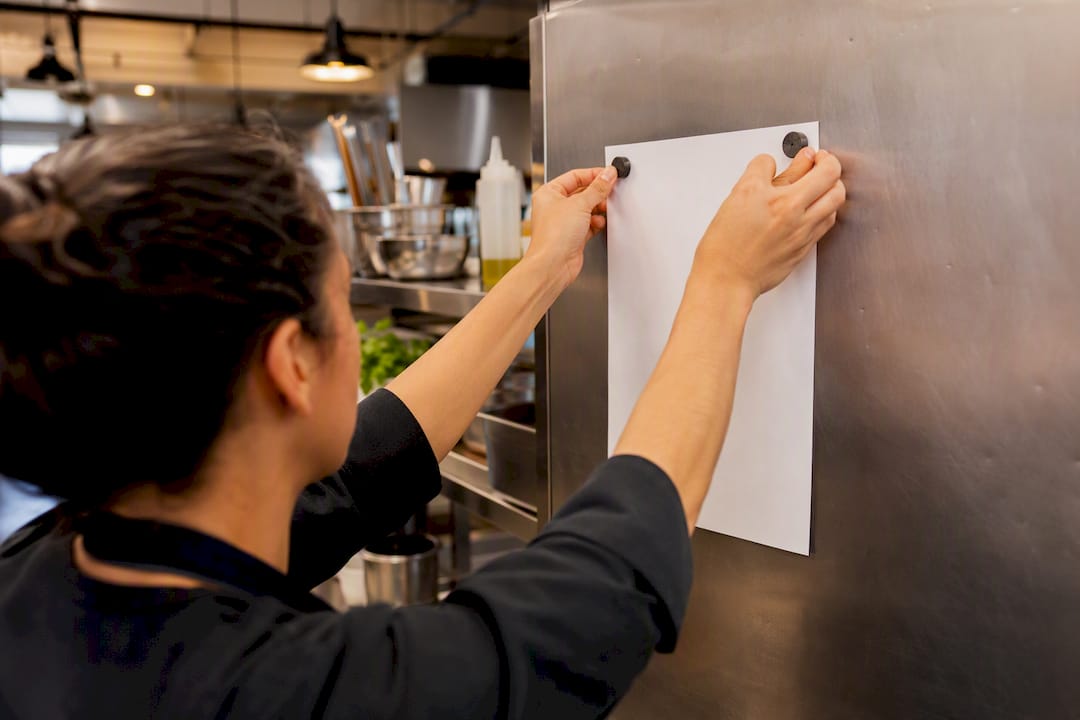
Reminders matter as much as publishing lead time. Automated shift reminders sent 12 to 24 hours before a shift can cut staff no-shows by up to 20%, and a second reminder two hours out catches the people who saw the first one and forgot anyway. Push notifications outperform group chats and email for casual staff who aren’t checking work inboxes on their day off.
Build a shift-swap board where staff can trade shifts without needing you as the middleman. Pair it with a vetted backup list, and when a callout does happen, message the whole qualified pool at once. First to accept gets the shift. It’s faster than calling down a list one by one, and it rewards the people who respond quickly with more shifts down the track.
- Publish rosters 7 to 14 days out, never less than a week where you can help it.
- Send confirmations at 48 hours and again at 2 hours before shift start.
- Run a self-service swap board so staff resolve minor conflicts without escalating to you.
- Rotate the undesirable shifts (early bump-ins, late pack-downs) so allocation feels fair, not punitive.
- Log every callout reason. Patterns show up fast, whether it’s one venue, one shift time, or one staff member.
Pro Tip: When you log callout reasons, tag them by shift type as well as staff name. A pattern of callouts on 6am setups tells you the shift is the problem, not the person.
Writing a fair cancellation and no-show policy
A four-tier fee schedule gives clients a clear, proportional reason to trust the terms rather than feel penalised. It also matches your actual risk: cancelling 60 days out costs you almost nothing, cancelling nine days out means wasted food orders and unusable staff bookings.
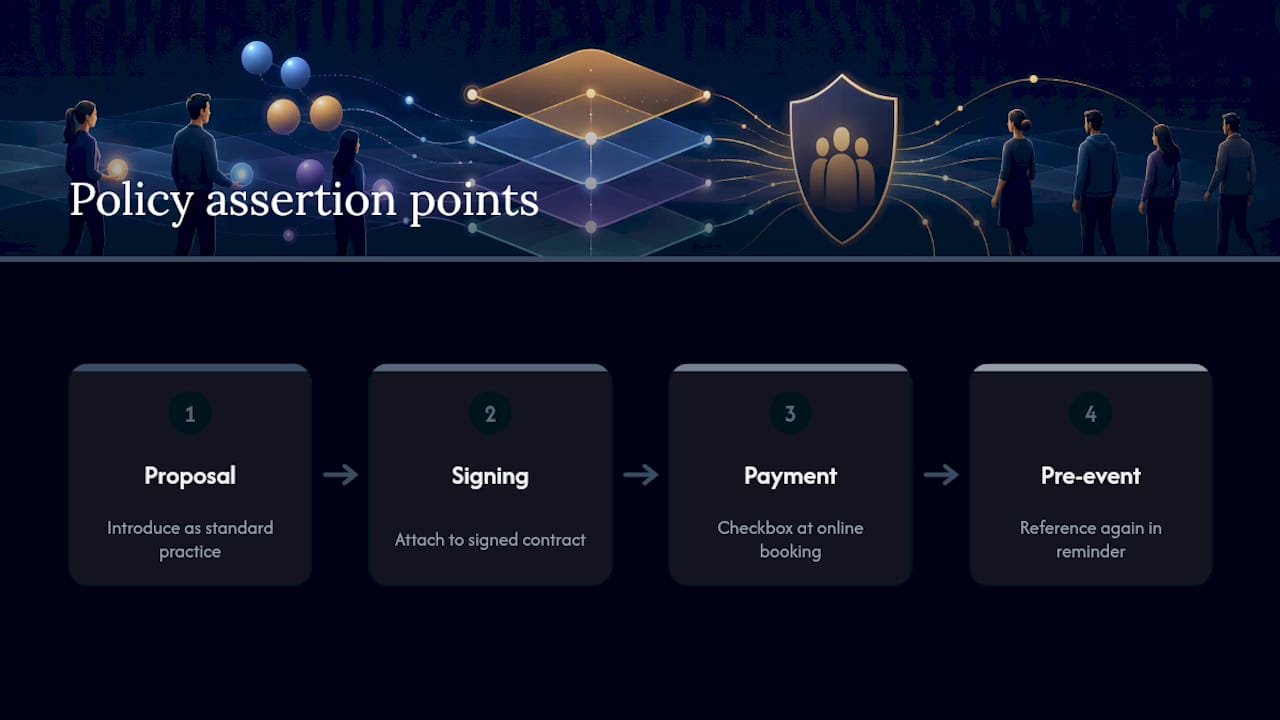
Make the policy legally trackable, not just written somewhere. Attach it to the signed contract, require a checkbox at online booking, and reference it again in the invoice. A single clause buried in a PDF isn’t enough; the policy needs to be asserted at proposal, at signing, at payment, and again in the pre-event reminder before it holds up when a client pushes back.
When you introduce the policy in a sales conversation, frame it as standard practice rather than a warning. “Like most caterers, we ask for a deposit to lock in your date, and here’s how our cancellation tiers work” lands better than leading with penalties. Offer a rescheduling credit instead of a straight fee when a client needs to move dates rather than cancel outright. It keeps the relationship and still protects your margin.
Which software features actually reduce no-shows?
Manual reminders get skipped when you’re mid-service. The features that move the needle are the ones that fire automatically, without you remembering to send them.
- Automated booking confirmations sent the moment a deposit clears.
- Scheduled reminders at 30 days, 7 days and 48 hours, across email and SMS.
- Card-on-file capture and automated invoice chasing for outstanding balances.
- Mobile roster access so staff check shifts without calling the office.
- Built-in shift-swap requests routed straight to a backup list.
- Automated reporting that flags cancellation and callout patterns by month.
A real workflow looks like this: booking signed → confirmation and deposit invoice sent automatically → 30 and 7 day reminders trigger without manual input → payment chase runs if the balance isn’t cleared → roster publishes 10 days out → staff reminders fire at 48 and 2 hours.
Case-study evidence from a California catering operation shows that switching from manual scheduling to automated check-ins and confirmations produced a substantial drop in attendance problems, because enforcement stopped depending on someone remembering to chase it up. CaterFlow AI runs this exact sequence for catering operators, and clients using it report saving over 10 hours a week on admin that used to include exactly this kind of manual chasing.
Pre-event checklist and copy-paste message templates
Run this checklist 48 hours before every event: confirm guest count, confirm all rostered staff, confirm a backup is on standby, and confirm the client has acknowledged the cancellation policy in writing.
- Booking confirmation: “Thanks for booking with us. Your deposit invoice is attached, and our cancellation policy is included below.”
- 30 day reminder: “Just checking in ahead of your event on [date]. Can you confirm guest numbers and any dietary changes?”
- 7 day reminder: “One week to go. Final headcount and remaining balance are due by [date].”
- 48 hour staff notification: “Reminder: you’re on shift [date/time] at [venue]. Reply CONFIRM.”
- Shift-swap request: “[Name] can’t make [shift]. First to reply YES gets it.”
Where to start and what to expect
Start with deposits and 24 to 48 hour reminders on the client side, and roster publication plus reminders on the staff side. Those two moves catch most preventable no-shows. Measure success by tracking last-minute cover time and understaffed events monthly. Expect gradual improvement over 6 to 8 weeks, not overnight fixes.
— Tim
How CaterFlow AI handles this automatically
Running deposit tiers, confirmation cadences and roster reminders manually is exactly the admin load CaterFlow AI was built to remove. It automates booking confirmations, chases overdue deposits without an awkward phone call, and gives staff mobile roster access with reminders that fire on schedule, so the layered protection above runs itself instead of depending on someone in the office remembering each step.
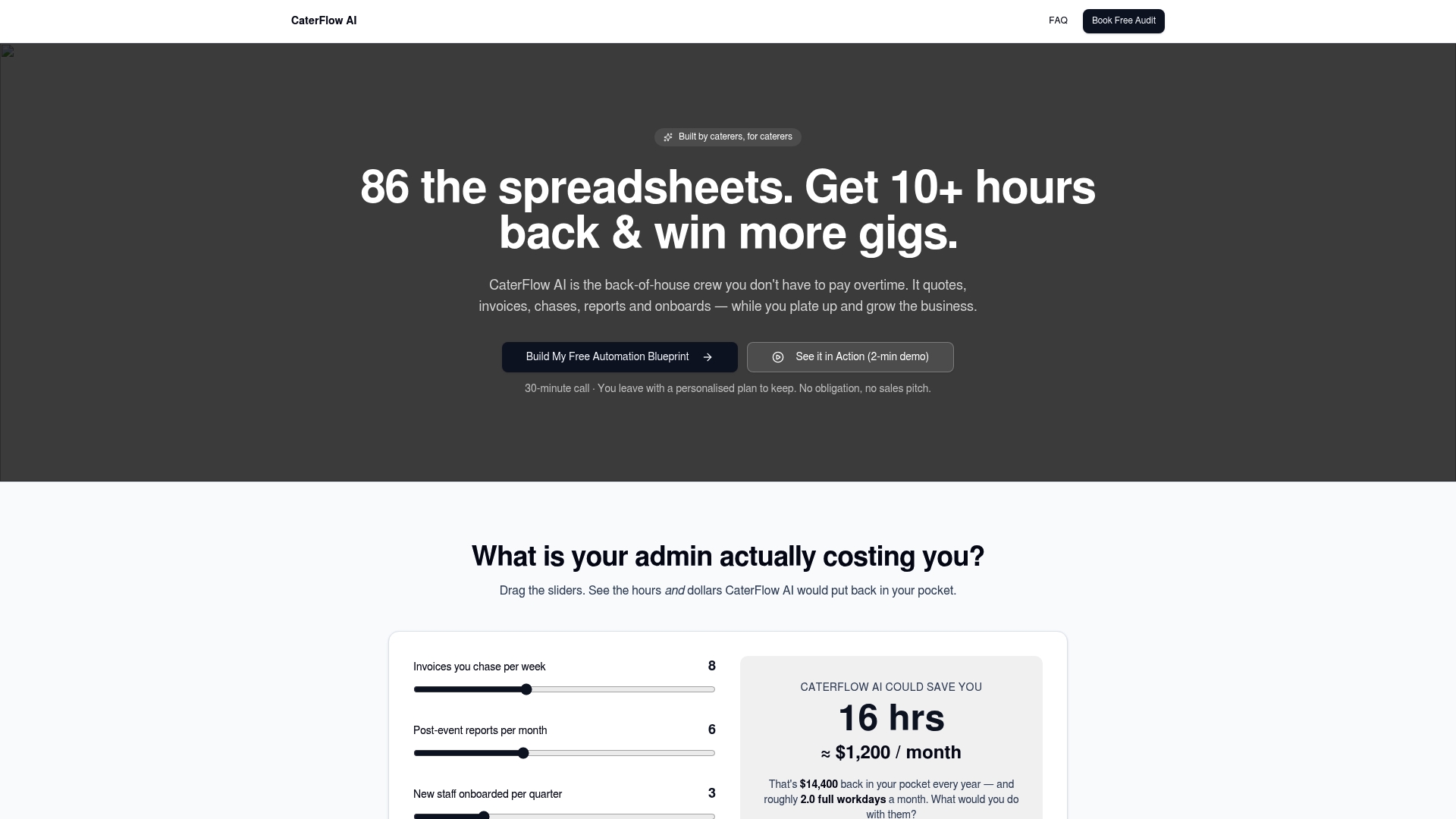
CaterFlow AI clients report recovering significant sums from overdue invoices and saving more than 10 hours a week that used to go into exactly this kind of manual follow-up. If a booking recently fell through, our cancellation recovery workflow shows how the same automation chases a lapsed deposit back into a confirmed date. Head to the CaterFlow AI product page to book a free audit and see which of these tactics your current setup is missing.
Sources
- 8 Ways to Reduce No-Shows and Callouts in Shift Work
- How to reduce staff no-shows: strategies for Australia | RosterElf Blog
- Catering Cancellation Policy: Protect Your Revenue Without Losing Clients - Cynthia Concierge
- A case study in staffing attendance — RoostedHR